

Learn BiggSky
Everything in one place: get installed, process your first image, then go deeper. Start with the Quick Start if you have just downloaded it.
A quick tour
The same overview slides that appear on the Start tab inside BiggSky. Twelve of them, and they cover most of what you need to know before your first image.
- Simple processing steps The whole workflow in two buttons: Do It All for a video, or Deconvolve for an image you have already stacked. Results are written to a BiggSky sub-directory automatically.
- Stacking: choosing frames The Analyze plot grades every frame for quality and movement, Auto Frames picks the best percentage to keep, and the stack measures its own residual noise for the deconvolution that follows.
- Stacking: crop, derotation and AutoStakkert! Crop to process a smaller region and the object is tracked between frames. Derotation and interpolation happen after stacking. If you stacked in AutoStakkert! instead: avoid saturation, no drizzle or sharpening, a high percentage of frames, 16-bit TIF or PNG.
- Deconvolution: estimating the blur A point spread function describes the blur, and BiggSky estimates it from a region you choose: high contrast away from the disk edge for lunar, the whole planet for planetary. Expect dynamic range to increase, which can make the rescaled result look darker until a little gamma is applied.
- Deconvolution: the controls Denoise PSF, Image and Decon % all start at 100. Channel Alignment for visible color bleed, Tiled Processing for wide lunar images with the Size button to work out the tile size, and Sharpness to refine the final look. If the result is over-processed or too sharp, lower Decon % or use Blend; if it is too smooth or too noisy, adjust Denoise %; Color Boost brings up the color.
- Image tab controls Switch the display between processing stages, blink between the last two, and zoom, fit or pan.
- Frames Step or scroll through the frames, exclude bad ones, set the reference frame used for stacking, and clip the range you want to keep.
- Cropping Set a region of interest from a preset or by hand, crop the loaded image without touching the source file, and crop irregular edges before deconvolution.
- Projects and datasets A project holds one or more datasets for a target, and the settings needed to reload them. A dataset holds the source frames and the stack, decon and other results. Add brings new files into the project.
- File save options Data files are linear and quantitative; View files are the image as rendered on screen. 8-bit is for email and the web, 16-bit TIF or PNG opens almost anywhere, and 32-bit TIF PS opens in Photoshop or GIMP.
- Editions and licenses Solar System Edition for lunar, planetary and solar work: Lite processes one image or video at a time, Pro adds automated batch processing, GPU support and the command line. Deep Space Objects for nebulae, galaxies and star fields; Universe is both. Perpetual or annual.
- Did you know BiggSky can… Check the collimation of your telescope, build a lunar mosaic or a mineral moon, make a movie of the atmospheric turbulence, derotate planetary stacks into a movie, combine planetary decons into one image, apply an unsharp mask, show its labels and tool tips in ten languages, and read .ser.mj2 lossless compressed captures.
Quick Start
Two short guides. The first gets BiggSky installed and licensed; the second walks through a lunar or planetary capture end to end.
The manual and tutorials
The manual is the complete reference for every panel and setting. The tutorials cover specific techniques and problem cases.
Nine shorter guides each take one function, or one group of settings, as far as you want to go.
All of them open here on the site, without a separate document viewer.
Manual and tutorials
Function and settings guides
- Stacking parametersEvery parameter in the stacking table, group by group
- Smart Project manualTurn a night’s capture folders into a project, and add each new night · DSO and Universe
- Dewarp Movie manualSee the seeing, and what the dewarp pass does to your frames
- Derotation manualCombine a session’s stacks into one sharper image, or a smooth movie · Solar system editions
- Deconvolution Expert settingsEvery Expert row on the Decon panel, and the result that calls for it
- Unsharp Mask manualFinish a decon the way you would in GIMP, without leaving BiggSky
- Mosaic manualJoin overlapping lunar tiles into one image
- Lunar Labels manualName the features on your Moon images, find them by name, and take the quiz
- Wavefront manualMeasure your optics and collimate from out-of-focus stars
- Languages manualThe ten interface languages, and how to change yours
- BiggSkyCLI manualStack and deconvolve from the command line, scripts and other programs · SSE Pro, DSO and Universe
- BiggSky for ClaudeAsk Claude Desktop to inspect, stack, deconvolve and preview for you · Windows
-
SER Tools manualCompress and verify your SER captures, and the
sertoolcommand line · Free, and installs on its own
Enhancing lunar, solar and planetary images
A full presentation for The Astro Imaging Channel, recorded live on 22 June 2025.
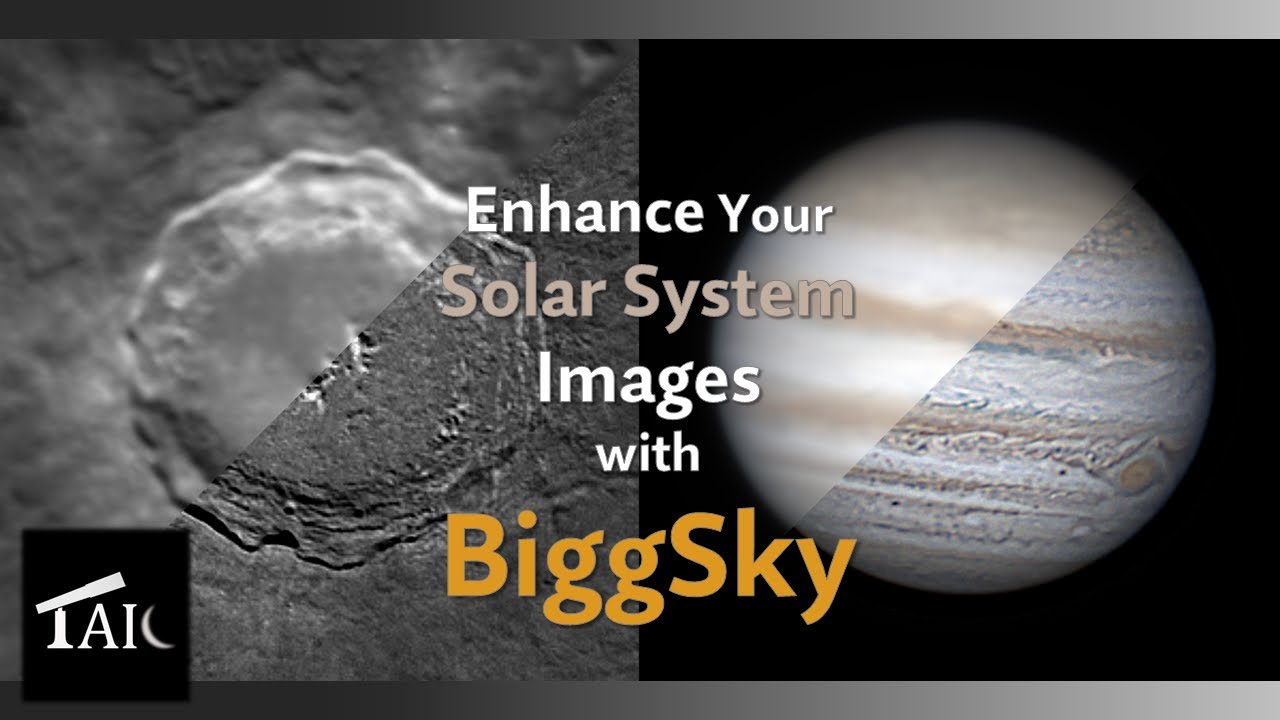
BiggSky walkthrough
An introduction to the application and the processing workflow.
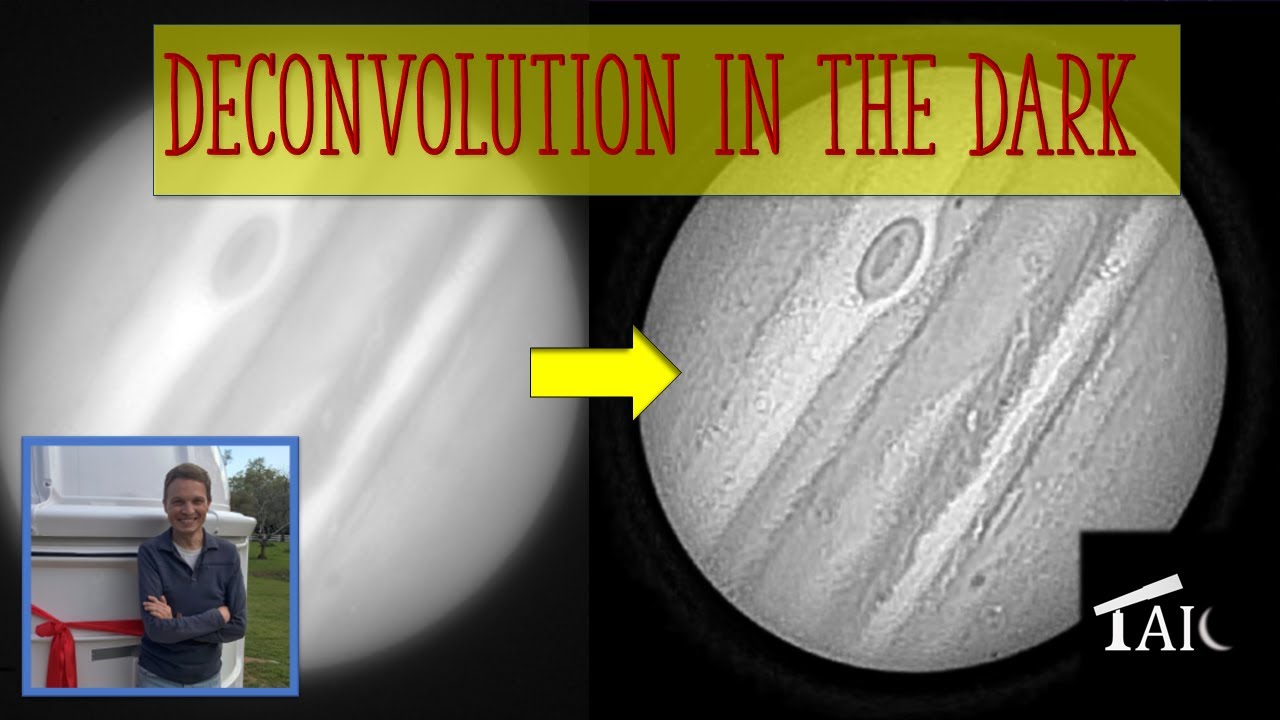
Frequently asked
What is BiggSky?
BiggSky is an application for processing astronomy images. It stacks and deconvolves planetary, lunar, solar and deep sky images, and is best known for its blind deconvolution, which measures the blur in each image and removes it.
Why should I use it?
BiggSky takes your raw astro images and calibrates, stacks, enhances and colorizes them in a single application. The results can also be exported and used in whatever else you already work with.
What types of image can I process?
Long-exposure imaging of galaxies and nebulae, and planetary, lunar and solar images.
Which file formats are supported?
8-bit, 16-bit and 32-bit variants of TIFF, PNG, BMP, GIF, JPEG, Camera RAW, FITS, DICOM and XISF, plus SER and various movie formats.
What is deconvolution?
Deconvolution is a mathematical process for removing blur from an image. To reverse the blur you need to know its shape, called the Point Spread Function or PSF. BiggSky uses blind deconvolution, which means it works the PSF out from your image rather than requiring you to supply it from a reference star.
Do the algorithms use Artificial Intelligence?
No. No A.I. algorithms are currently used. Detail in the output comes from the data in your input; nothing is generated to fill in what was not recorded.
Do I need a MATLAB license?
No. The MATLAB Runtime is included with the installation, and no MATLAB license of your own is needed.
Can I use a GPU to process faster?
Yes, with recent NVIDIA graphics cards on Windows. There is a separate Windows build for NVIDIA Blackwell (RTX 50-series) hardware; see the download page. GPU acceleration is not available on macOS.
Why isn't the Multi-CPU option using all the cores my PC has?
Because they are not all the same. A modern processor mixes a few fast performance cores with a larger number of small efficient ones. The Beelink GTI14 we test on reports 22 processors, but only six of them are performance cores. A run finishes when its slowest worker finishes, so handing work to the little cores holds the fast ones up: past a point, more workers makes processing slower rather than faster. BiggSky sizes its pool to the cores that will actually carry the work.
You can override that. The Settings tab has a PoolWorkers entry: 0 lets BiggSky choose, any higher number fixes the worker count, and 1 means a single thread with no pool. Time a stack both ways on your own machine before settling on a number.
One exception worth knowing: a tiled deconvolution uses the CPU and the GPU at the same time when both Use GPU and Use CPU Multi-Core are ticked, running tiles on the graphics card and on the CPU workers at once.
What that looks like measured. BiggSky 0.5.40, a 5444 × 3636 RGB lunar image tiled at 1000 px with 100 px overlap (24 tiles) on a Beelink GTI14 (Core Ultra 9 185H, six performance cores) with an NVIDIA RTX 5070 Ti:
| 1 CPU thread | 512 s |
|---|---|
| 2 CPU workers | 275 s, 1.9× faster |
| 4 CPU workers | 228 s, 2.2× |
| 6 CPU workers | 203 s, 2.5× |
| GPU alone | 191 s, 2.7× |
| GPU + 6 CPU workers | 168 s, 3.1× |
Going from one worker to two nearly halves the time. Doubling again, to four, gains only a fifth more; six gains a further eighth. The returns fall away long before the core count runs out, and that is the flattening to watch for on your own machine.
None of this needs a graphics card. The same image on an Apple M1 Mac, which has no GPU acceleration at all and chose eight workers on its own, took 259 s.
Can I process non-astronomy images?
Possibly. The deconvolution is not specific to astronomy. Get in touch and describe what you are trying to do.
How long is the trial, and what does it limit?
30 days, and during those days it limits nothing. The trial is the complete application, with no watermark, no disabled features and no payment details required to begin. The count starts when you install BiggSky and validate your key, not when you request it.
Afterward BiggSky switches to Free mode: you can still open, view and export everything you have already processed, but the premium operations need a license. Support & licensing has the detail.
How much does it cost after the trial?
There are four editions and you can buy a perpetual license or subscribe annually. Current prices are on the pricing page, along with the license terms: personal use, active on up to 5 of your own computers at a time.
Payment is handled by Stripe, so your card details are entered on Stripe's checkout and never touch this site.
Is there a discount for astronomy clubs or schools?
Yes. Clubs, schools and registered non-profits are eligible for discounted licensing; get in touch with your organization's details for a quote. Commercial, government and institutional use is licensed separately.
Ask a person
If the documentation does not cover it, these do.
BiggSky Users Group
The Facebook group where users trade settings, results and advice. The busiest place to ask a question.
BiggSky Imaging on Facebook
The official page: release announcements, new features and images worth a look.
Every BiggSky image on AstroBin
Everything tagged as processed with BiggSky, updated by the community as they publish. Good for seeing what is achievable with kit like yours.
r/BiggSky on Reddit
Questions, results and discussion with other BiggSky users.
YouTube
Walkthroughs, new-feature demonstrations and recorded talks.
Bug reports, licensing problems and anything that needs a direct answer.